


If your Philips smart lock requires an activation code, activate it before registering fingerprints, creating PIN codes, or configuring supported app features. The process is completed once: wake the keypad, enter the supplied activation sequence, and wait for the “Activation successful” confirmation. Activation initializes the smart lock and prepares it for user setup. If you […]
Read more about How To Activate A Philips Smart Lock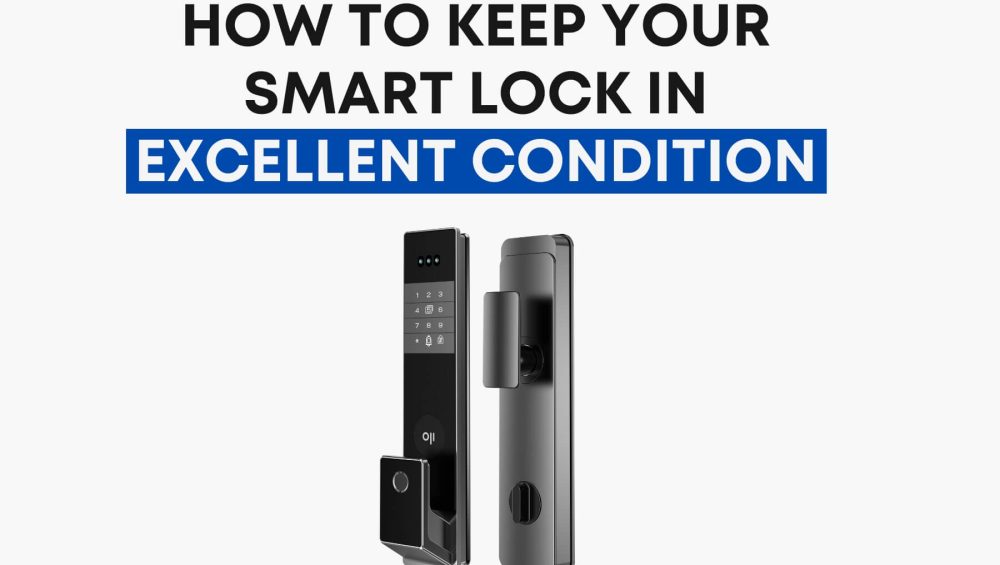
How to Keep Your Smart Lock in Excellent Condition
A smart lock isn’t just another gadget—it’s the guardian of your home. You use it every day, often without thinking about it, yet its performance decides how safe and convenient your life feels. And here’s the thing: even the most advanced smart locks—whether it’s a Philips EasyKey, Oji EVO, or Oji FaceLock Vision—still need care. […]
Read more about How To Keep Your Smart Lock In Excellent Condition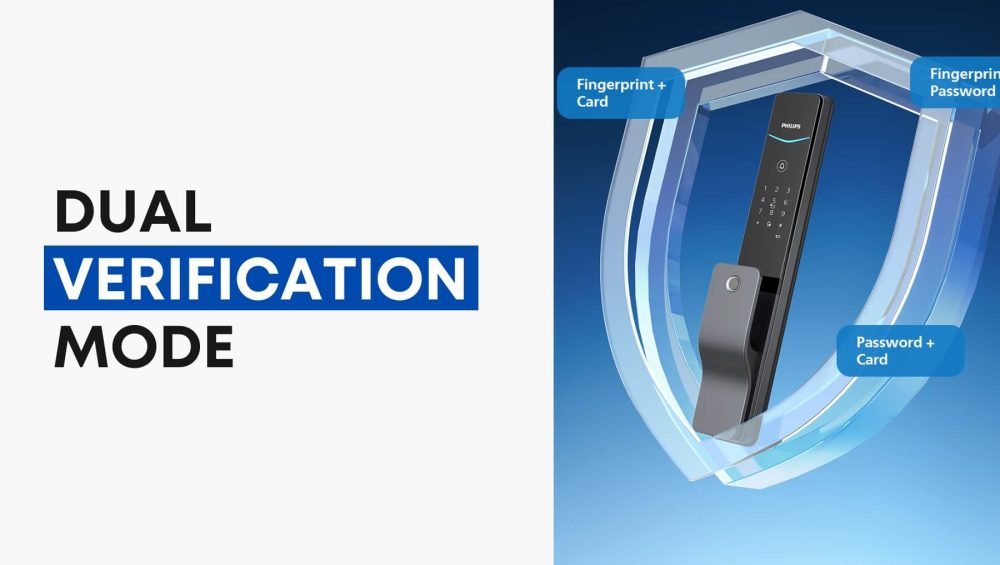
Dual Verification Mode on Philips EasyKey Smart Locks
When summer holidays or school breaks arrive, securing your home becomes just as important as booking flights or finding pet sitters. With Dubai’s fast-growing reliance on smart home technology, Philips EasyKey smart locks are at the forefront of modern home security. Among their many features, Dual Verification Mode stands out as an advanced layer of […]
Read more about Dual Verification Mode On Philips Easykey Smart Locks