


If your Philips smart lock requires an activation code, activate it before registering fingerprints, creating PIN codes, or configuring supported app features. The process is completed once: wake the keypad, enter the supplied activation sequence, and wait for the “Activation successful” confirmation. Activation initializes the smart lock and prepares it for user setup. If you […]
Read more about How To Activate A Philips Smart LockStep-by-step smart lock guides from OjiSmart covering installation, setup, fingerprint and PIN registration, app connectivity, troubleshooting, maintenance, and everyday use. Find practical help for Philips, OJI, and other smart lock models available in Dubai and the UAE.

How to Get Philips Smart Lock Activation Codes in the UAE
If your Philips Smart Lock displays a message asking for an activation code, don’t panic. In the UAE, activation codes are not user-generated — they are securely managed by authorized regional vendors. The official vendor for Philips Smart Locks in the UAE is OjiSmart.com. They handle activation requests, verify purchases, and link your lock to […]
Read more about How To Get Philips Smart Lock Activation Codes In The Uae
How to Change Oji Amber Batteries (4x AA)
Your Oji Amber lock uses 4 AA alkaline batteries, located behind the back panel. After replacing them, you’ll need to update the battery status using the Keyless app (for holiday homes) so your system recognizes the refreshed power. When to Replace the Batteries Replace your batteries when you notice: Don’t wait until the battery dies […]
Read more about How To Change Oji Amber Batteries 4x Aa
How to Change Oji EVO Batteries Smart Lock
Keeping your Oji EVO Smart Lock running smoothly means knowing when and how to update its batteries. Since this lock is part of your everyday security, staying on top of battery maintenance ensures you never face unexpected lockouts. In this guide, we’ll show you when to change your Oji EVO batteries, how to update them […]
Read more about How To Change Oji Evo Batteries Smart Lock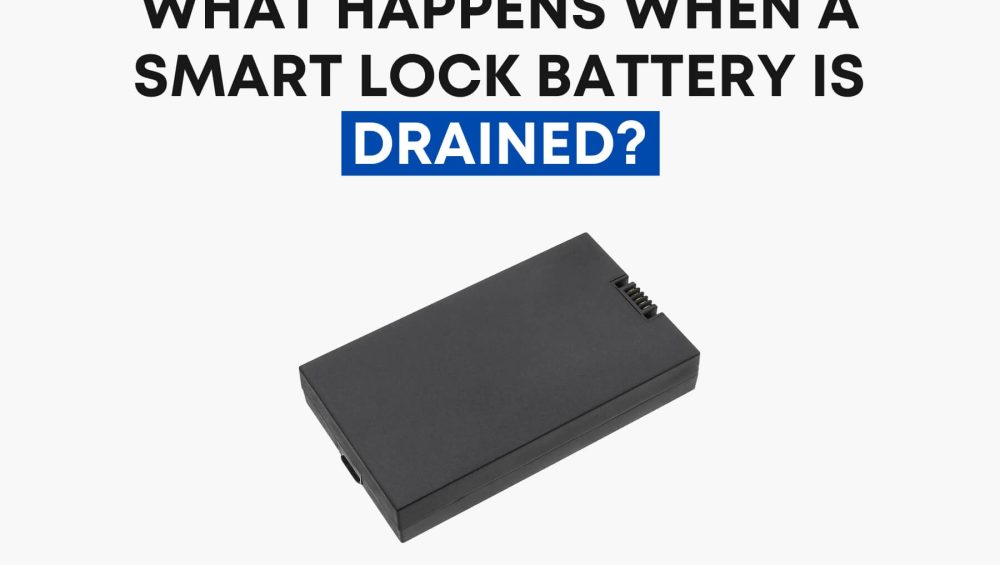
What Happens When a Smart Lock Battery is Drained?
Smart locks bring convenience, security, and modern technology into our homes—but unlike traditional locks, they depend on batteries. This raises an important question: what happens when your smart lock battery drains? In this guide, we’ll cover battery life, backup options, and simple tips to make sure you’re never locked out. How Long Do Smart Lock […]
Read more about What Happens When A Smart Lock Battery Is Drained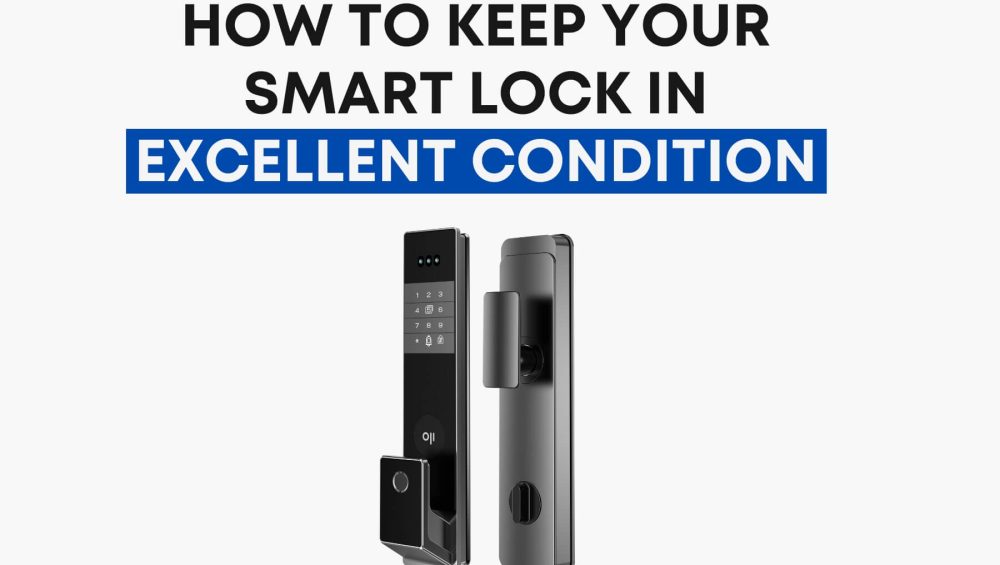
How to Keep Your Smart Lock in Excellent Condition
A smart lock isn’t just another gadget—it’s the guardian of your home. You use it every day, often without thinking about it, yet its performance decides how safe and convenient your life feels. And here’s the thing: even the most advanced smart locks—whether it’s a Philips EasyKey, Oji EVO, or Oji FaceLock Vision—still need care. […]
Read more about How To Keep Your Smart Lock In Excellent Condition
How to Improve Battery Life for Wi-Fi Smart Locks
Wi-Fi smart locks are one of the most convenient innovations in home security — but battery drain can quickly become a problem. If your lock isn’t lasting as long as it should, chances are the issue lies in how it’s installed or used. This guide offers clear, practical tips to help you improve the battery […]
Read more about How To Improve Battery Life For Smart Locks
Change Keyless Lock Admin: Transfer Access Easily
Yes, it is entirely possible to transfer the management of a lock from your current Keyless account to another agency. This allows the new agency to take full control of the unit and its associated access settings. The process is straightforward and can be completed independently through the Keyless web portal—there is no need for […]
Read more about Change Keyless Lock Admin Transfer Access Easily
How to Configure Philips DDL 720-MVP to the App
Setting up your Philips Smart Lock is quick, secure, and designed to be as user-friendly as possible. Whether you’re installing it for your home or office, this step-by-step guide will walk you through connecting your smart lock to the mobile app using the QR code and Wi-Fi network setup. Let’s get started. Step 1: Power […]
Read more about How To Configure Philips Ddl 720 Mvp To The App
A Guide to Handling Forgotten Smart Lock PIN Codes
A Guide to Handling Forgotten Smart Lock PIN Codes Imagine coming home after a busy day—work was hectic, traffic was a nightmare, and grocery shopping drained your last ounce of energy. You arrive at your front door, ready to key in your familiar PIN code. Then it happens: your mind draws a blank. It’s more […]
Read more about A Guide To Handling Forgotten Smart Lock Pin