

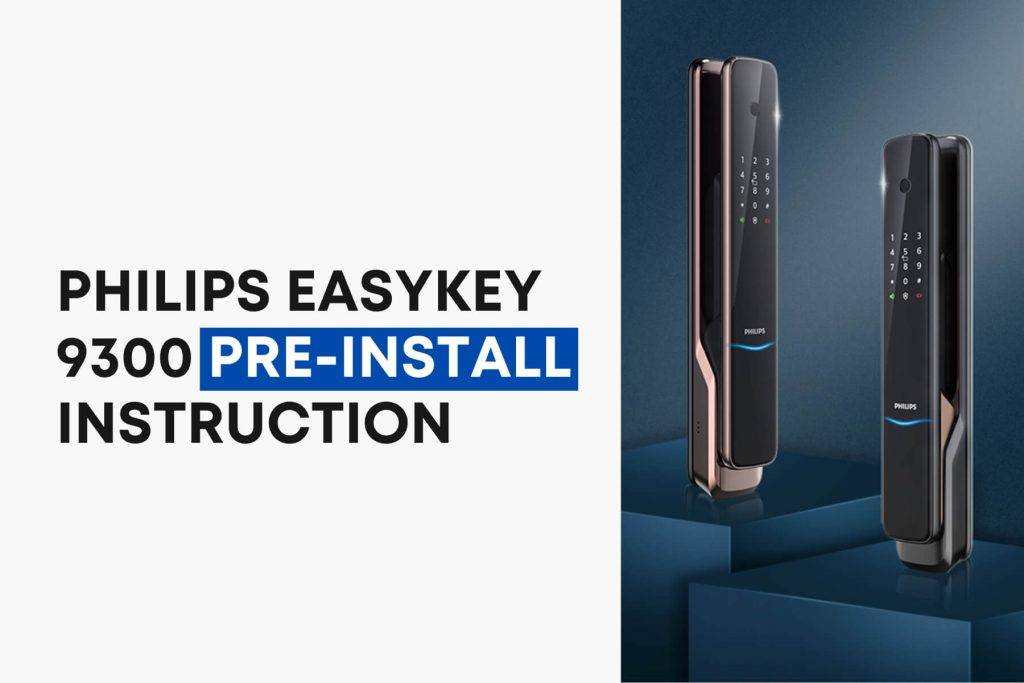
Philips EasyKey 9300 Pre-Install Instruction
STEP 1 | ASSESS THE DOOR'S ORIENTATION As a highly versatile solution, this product caters to various door configurations. It seamlessly accommodates four distinct door opening directions: outward pull from the left, inward push from the right, outward pull from the right,…
STEP 1 | ASSESS THE DOOR’S ORIENTATION
As a highly versatile solution, this product caters to various door configurations. It seamlessly accommodates four distinct door opening directions: outward pull from the left, inward push from the right, outward pull from the right, and inward push from the left.

STEP 2 | LATCH BOLT DIRECTION CHANGE
- Loosen the screws by turning them clockwise with an Allen wrench and remove the Mortis plate
- Take out the latch bolt and rotate it to 180°, then put it back
- Mount the mortise plate and fasten it with screws

ATTENTION
- Please choose the proper installation kit as per the door thickness
- The default installation kit is applicable for a door thickness of 38-60mm; if your door thickness is not within this range, please feel free to contact us.
Originally published by Bernarth B. Last updated October 2026.