



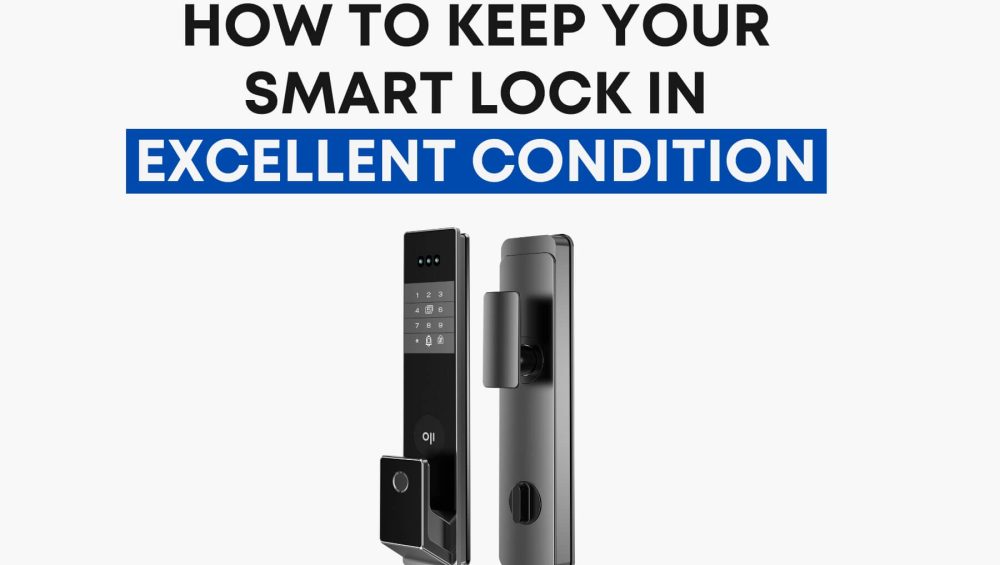
A smart lock isn’t just another gadget—it’s the guardian of your home. You use it every day, often without thinking about it, yet its performance decides how safe and convenient your life feels.
And here’s the thing: even the most advanced smart locks—whether it’s a Philips EasyKey, Oji EVO, or Oji FaceLock Vision—still need care. Not complicated, time-consuming care. Just the right habits to keep them reliable for years.
This is that guide. The one you read once, try out, then come back to again and again because it works.
1. Start With Professional Installation
A smart lock is only as good as its installation. If the door frame is off by just a millimeter, you might face misreads, jammed bolts, or that infuriating beep-beep error when you’re in a rush.
Why it matters:
-
Smart locks have precision components that need perfect alignment.
-
Poor installation can reduce lifespan and security.
The fix:
Hire an installer who works specifically with smart locks—not just any locksmith. For high-end models like Oji FaceLock Vision or Philips DDL709, this is non-negotiable. You’re not just paying for labor—you’re paying for peace of mind.
2. Power It Right With Quality Batteries
Your smart lock is like your phone—it’s only as reliable as the power you give it. Cheap, unbranded batteries can leak, swell, and die faster than expected, potentially damaging internal circuits.
Golden rules for smart lock batteries:
-
Use the exact type specified (most Philips and Oji locks run best on AA alkaline dry batteries).
-
Avoid rechargeable batteries unless explicitly allowed by the manufacturer.
-
Stick to trusted brands like Energizer or Duracell—no bargain bin packs.
-
Never mix battery brands or new and old batteries.
-
Replace them at the first sign of slow response or low-battery alerts.
Think of batteries as insurance: saving a few dirhams on them now could cost you a full lock replacement later.
3. Keep the Sensors & Keypad Clean
Your lock’s fingerprint scanner and keypad are your daily touchpoints. Oils, dust, and smudges aren’t just cosmetic—they can lead to slower recognition or complete failure.
The cleaning method that works:
-
Use a soft, dry microfiber cloth.
-
Avoid liquids, sprays, or abrasive materials.
-
Wipe gently every week if the lock is heavily used, monthly if not.
This one habit alone can keep your lock working like the day you bought it.
4. Respect the Mechanism—Don’t Slam the Door
Many OjiSmart and Philips EasyKey models have automatic mortise locking—the bolt slides into place when the door closes. Slamming the door can strain the mechanism, throw off alignment, and shorten its life.
What to do instead:
-
Install a door closer so the door shuts smoothly.
-
Check alignment every few months, especially in humid climates where wood swells.
A well-closing door means a longer-lasting lock—and fewer “why won’t this thing lock?” moments.
Final Word: Treat It Like the Investment It Is
A smart lock is not just a piece of metal—it’s a blend of security tech, design, and engineering. With proper care, your lock should outlast most of your other home gadgets.
Remember these four points:
-
Get it installed right.
-
Feed it good batteries.
-
Keep it clean.
-
Handle it gently.
Whether it’s protecting your villa in Dubai, your apartment in Abu Dhabi, or your holiday home in Fujairah, these tips apply universally. Revisit this guide once a year, and your smart lock will thank you by doing its job flawlessly—every single time.