



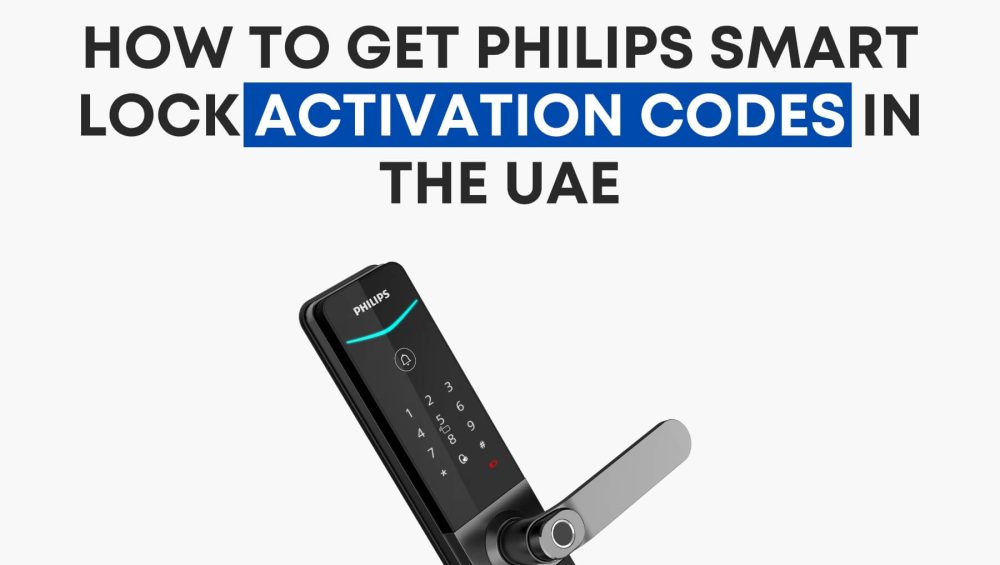
If your Philips Smart Lock displays a message asking for an activation code, don’t panic. In the UAE, activation codes are not user-generated — they are securely managed by authorized regional vendors.
The official vendor for Philips Smart Locks in the UAE is OjiSmart.com.
They handle activation requests, verify purchases, and link your lock to the correct Philips app for full Wi-Fi and remote access functionality.
Why Philips Activation Codes Are Vendor-Controlled
Philips Smart Locks sold in the UAE are configured to meet local compliance and SIRA security regulations.
Activation codes are tied to the product’s serial number and region, which ensures:
- Only authorized devices connect to the Philips server.
- Users receive local warranty and firmware updates.
- The lock is properly linked to the Philips Home Access App or EasyKey App.
This process prevents unauthorized pairing, fake imports, and counterfeit activation attempts — protecting both your data and your home’s security.
How to Get Your Activation Code in the UAE
Step 1 — Locate Your Lock Details
Before contacting support, prepare the following:
- Lock model number (e.g., Philips DDL720-MVP-17HWS or 720 FVP-7HWS)
- Serial number or QR code (found under the battery cover)
- Proof of purchase (invoice, receipt, or order number from OjiSmart or partner store)
Step 2 — Contact the Authorized Vendor
Go to OjiSmart.com or message their support team directly.
Provide the above details to verify ownership.
Once confirmed, the OjiSmart team will:
- Generate or release your activation code
- Guide you through the setup
- Ensure your lock is properly registered and activated
Step 3 — Complete the Activation
Once you receive the code:
- Open the Philips Home Access or Philips EasyKey app.
- Select “Add Device” and scan the QR code on your lock or enter the activation code provided.
- Follow the setup steps to connect your lock via Wi-Fi and enable cloud control.
After completion, you can view activity logs, manage users, and control your lock remotely.
Common Questions
Can I activate the lock myself?
Local functions like fingerprint or PIN work without activation. However, for app control, Wi-Fi, and remote management, activation through an authorized UAE vendor is mandatory.
Why is my online-purchased lock not activating?
Units imported from outside the UAE may not sync with the regional server. You’ll need to verify and activate through OjiSmart.com, the authorized distributor for the UAE region.
How long does activation take?
Usually within 24–48 hours once proof of purchase and serial verification are completed.
Conclusion
To fully activate your Philips Smart Lock in the UAE, including models like DDL720-MVP-17HWS and 720 FVP-7HWS, the solution is simple — contact OjiSmart.com.
They are the official Philips vendor in the UAE, authorized to issue activation codes, register your device, and enable all connected features through the Philips app.
This ensures your smart lock operates safely, legally, and with full local support.