



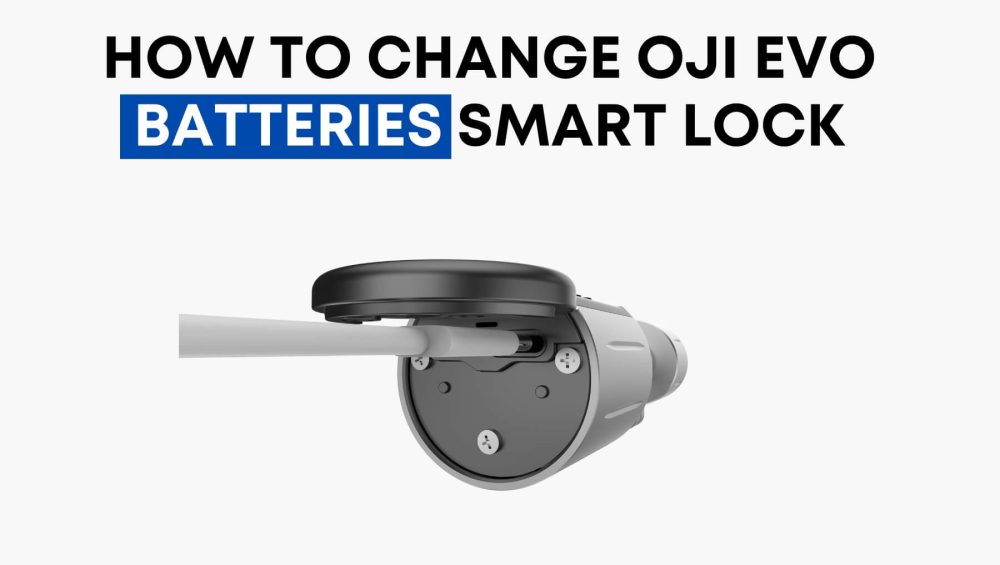
Keeping your Oji EVO Smart Lock running smoothly means knowing when and how to update its batteries. Since this lock is part of your everyday security, staying on top of battery maintenance ensures you never face unexpected lockouts. In this guide, we’ll show you when to change your Oji EVO batteries, how to update them in the Keyless App, and the exact steps to follow while standing near your lock.
Video
When to Change the Battery
The Oji EVO Smart Lock is designed to notify you when its battery level is running low. You may notice:
- A low-battery notification inside the Keyless App.
- The lock becoming slightly slower to respond.
- A warning beep or light indicator on the lock itself.
It’s recommended to replace the batteries once you receive a low-battery alert, rather than waiting for them to run out completely. This ensures your smart lock continues to function seamlessly and avoids the risk of being locked out.
How to Do the Battery Update in the Keyless App
The Oji Keyless App makes battery management simple and efficient. This process not only updates the app with the latest battery level but also helps confirm the lock is ready for use after the battery change.
Here’s how you do it:
- Tap on “More” in your application.
- Select “Maintenance” from the options.
- Tap “Update Battery.”
- Choose the specific lock you’re updating, then tap Next.
Once completed, go back to the Home Screen of the app and double-check the battery status by selecting the lock again.
Important: Stay Near the Lock
This process works only if you’re physically near your Oji EVO lock. The app needs a secure Bluetooth connection with the device to recognize and update the new battery level.
So, make sure to:
- Stand close to the door where the Oji EVO is installed.
- Have your phone connected with Bluetooth enabled.
- Follow the steps above for smooth syncing.
Final Thoughts
The Oji EVO Smart Lock is designed for convenience and security, but like any electronic device, it relies on healthy batteries to keep performing. By regularly checking your app and updating battery status, you can prevent unnecessary hassle and ensure your lock is always ready to protect your home.