



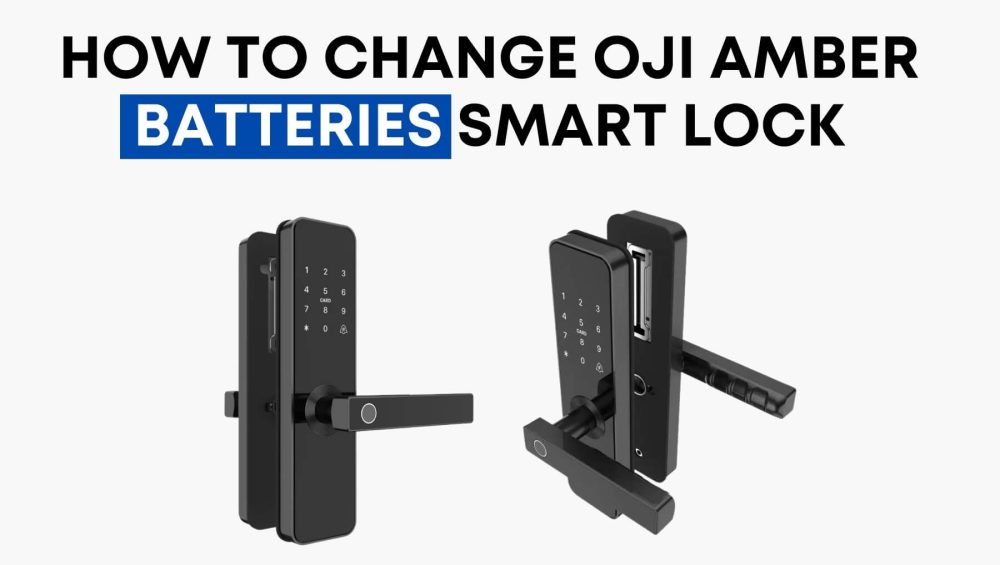
Your Oji Amber lock uses 4 AA alkaline batteries, located behind the back panel. After replacing them, you’ll need to update the battery status using the Keyless app (for holiday homes) so your system recognizes the refreshed power.
When to Replace the Batteries
Replace your batteries when you notice:
- A low battery alert in the Keyless app
- A warning beep or LED indicator from the lock
- Sluggish or delayed responses
Don’t wait until the battery dies completely—replace them as soon as you get the alert to avoid being locked out.
How to Update Battery Status in Keyless App
Be sure you’re physically close to the lock when you do this. Steps:
- Open the Keyless app and tap More
- Tap Maintenance
- Tap Update Battery
- Select your Amber lock, then tap Next
- Go to the Home screen, pick the Amber lock again, and confirm the new battery reading
Important Tips
- Make sure Bluetooth is turned on and you’re within range of the lock.
- Install the new batteries first, then go through the steps above.
- Use fresh AA alkaline batteries for best performance.
If battery status doesn’t update immediately, repeat the update steps.